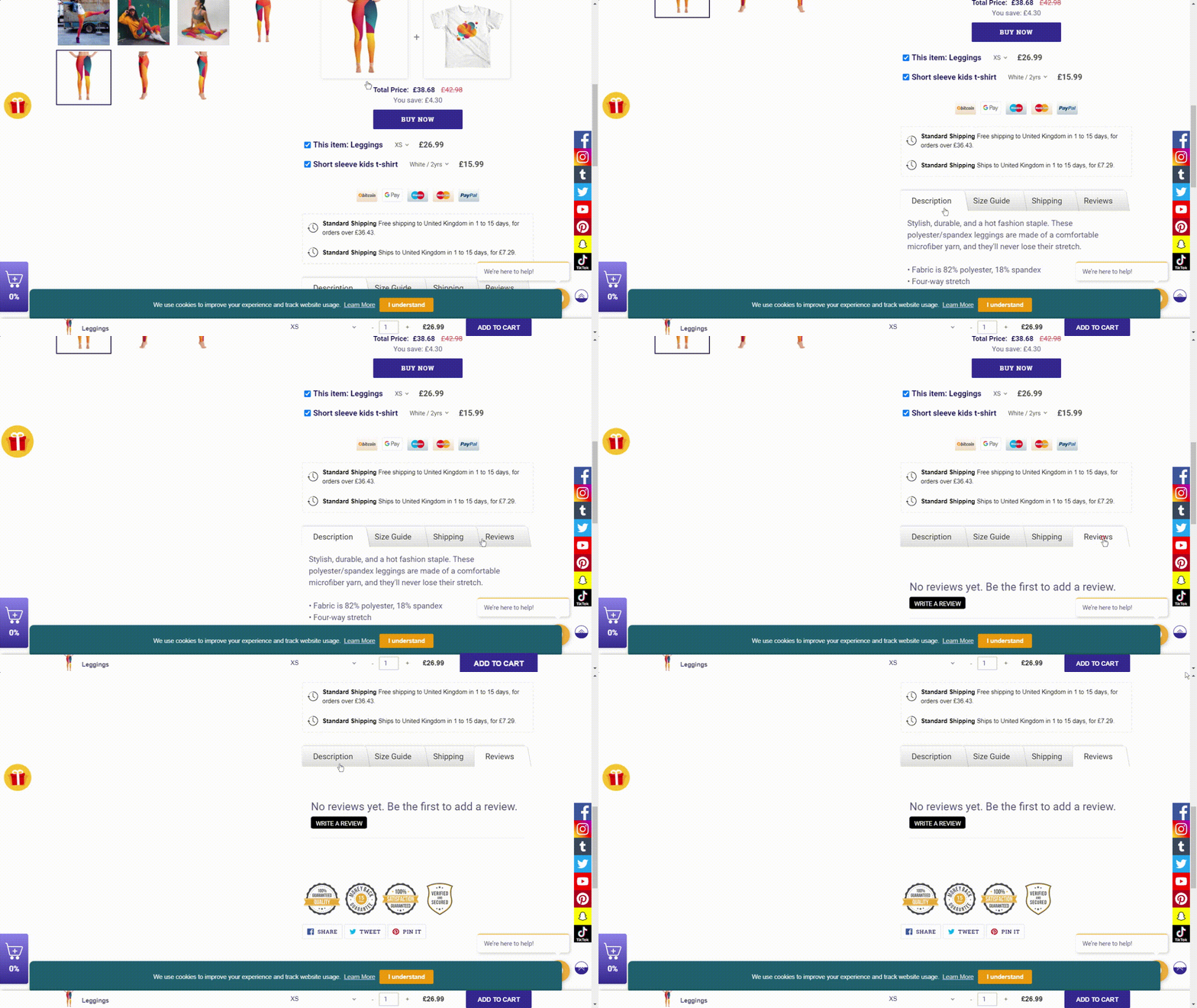
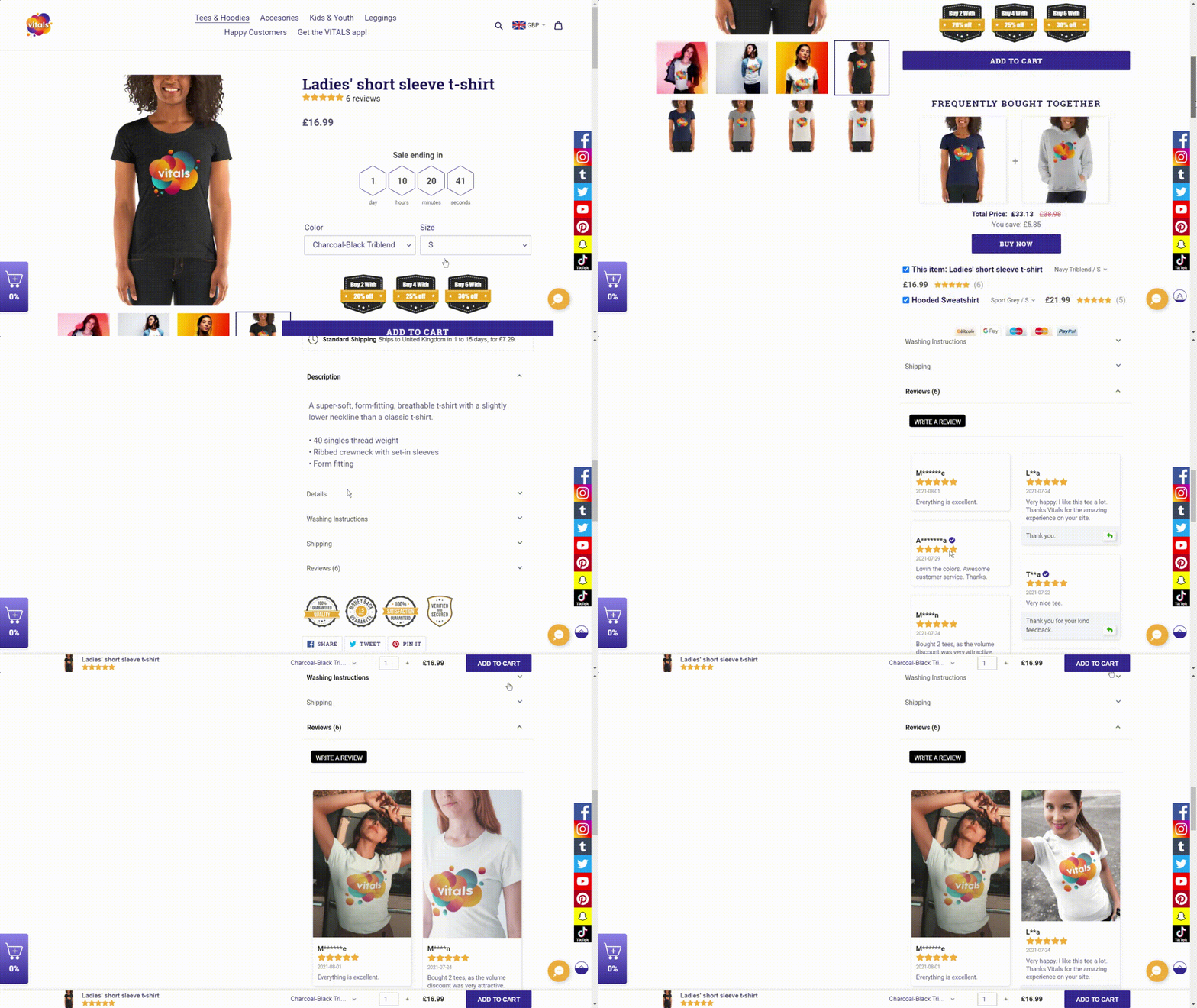
Displaying reviews in a tab inside the Product Description Tabs app
Last updated on October 21, 2026
You can easily show the reviews from Vitals' Product Reviews app in a custom tab, and even show the star rating in the tab title. This helps you avoid overcrowding the product page and make it look cleaner.
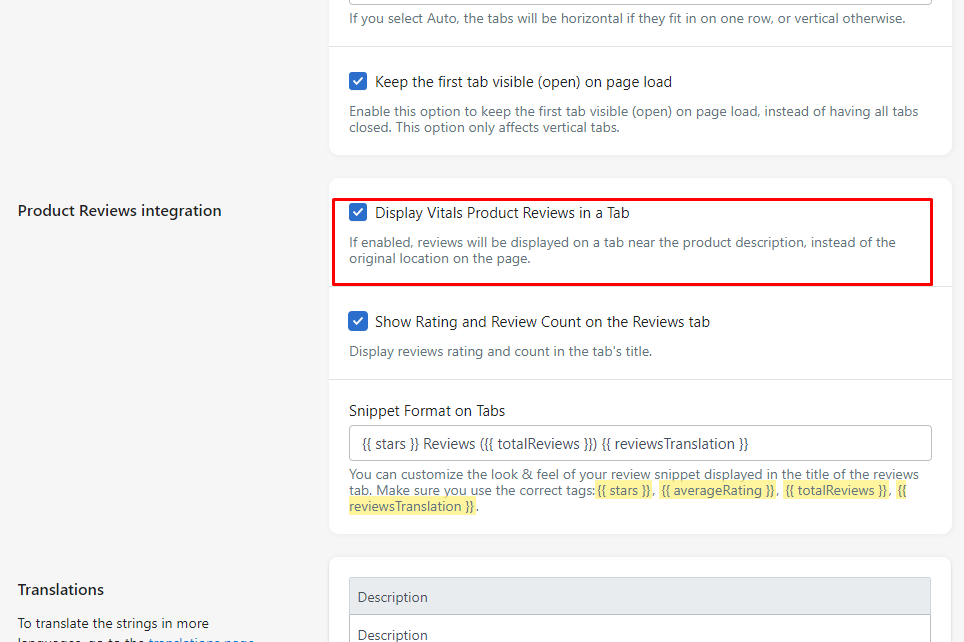
Make sure both Product Reviews and Product Description Tabs are activated. Then, in the Product Description Tabs app's settings, tick Display Vitals Product Reviews in a tab in the Product Reviews integration section. To show the star rating and review count in the tab title, also tick Show Rating and Review Count on the Reviews tab.
 You will then see the Product reviews app placed in a separate tab