
Product Description FAQs
Last updated on October 21, 2026
What if I only want horizontal tabs?
In Product Description Tabs > Settings, set Tab orientation to Auto (it's Vertical, an accordion, by default). With Auto, the tabs show horizontally when they all fit on one row, and switch to a vertical accordion when they don't. There is no horizontal-only option.
How do I add the same tab for each product?
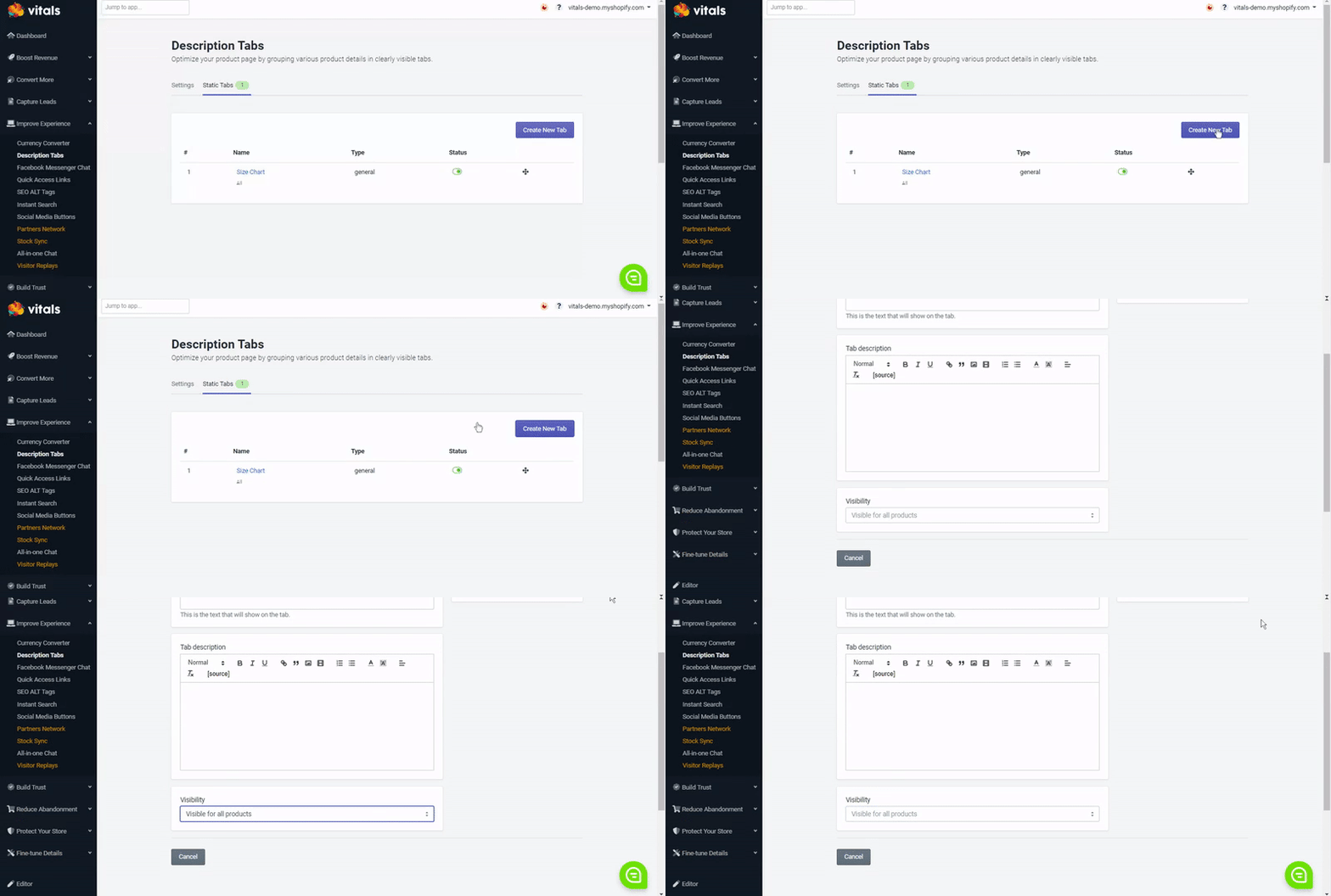
You can do this by creating a static tab following these instructions. This way, you can display the same information on every product page or on the products you select under the "Visibility" field.
Why are the Description Tabs not working?
When merchants contact us about this, it's usually the same issue in 90% of the cases. The merchant either already has a Tabs feature enabled in the theme or used to have a Tabs app installed on their storefront that modified their theme and left snippets of code after being uninstalled.
If that's the case, we are more than happy to help you remove the leftover code.
Still stuck?
Chat with our support team, we'll sort it out with you.