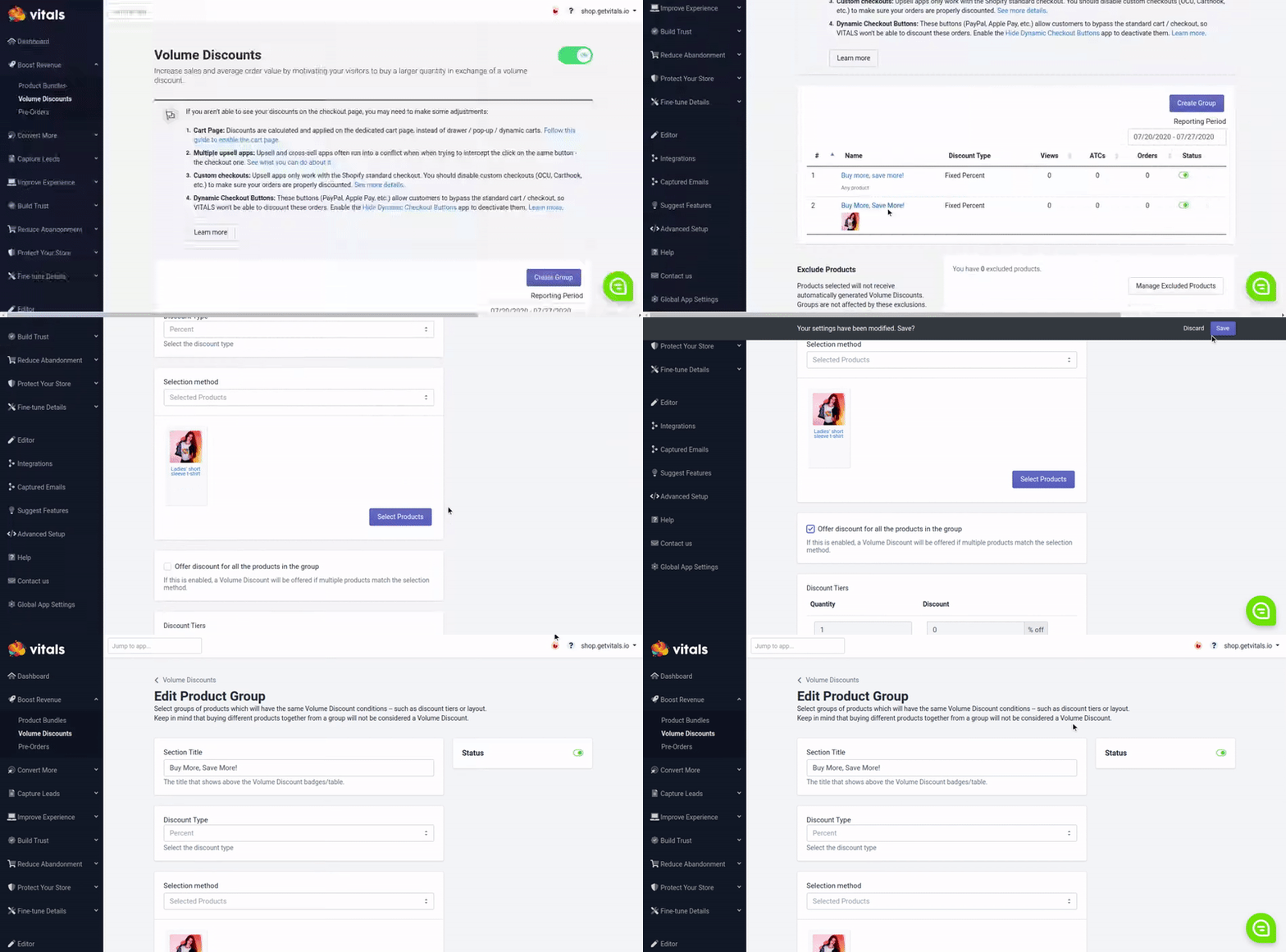
How to enable Volume Discounts for all products in a group
Last updated on October 21, 2026
While the Volume Discounts normally get applied when purchasing a larger quantity of the same product, the discounts can also apply, using the same rules, for multiple products from the same group. Here is an example:
- 3x product A = 3x quantity discount (10% off)
- 1x product A + B + C = 3x quantity discount (10% off)
- 2x product A + B = 3x quantity discount (10% off)
Open the Volume Discount offer and, in the Discount section, tick Apply discount across different products, then click Publish. The option appears when the offer applies to more than one product and Require the same variant for the discount is off.