If multiple discounts are applicable, which discount will be applied?
Last updated on October 31, 2026
Vitals offers are applied at checkout as Shopify automatic discounts, so several Vitals offers can apply to the same order. Here are two common cases:
Scenario 1: Only one type of discount can be applied to products in the cart.
Let's consider an example where you've created custom bundles for a few of your products.
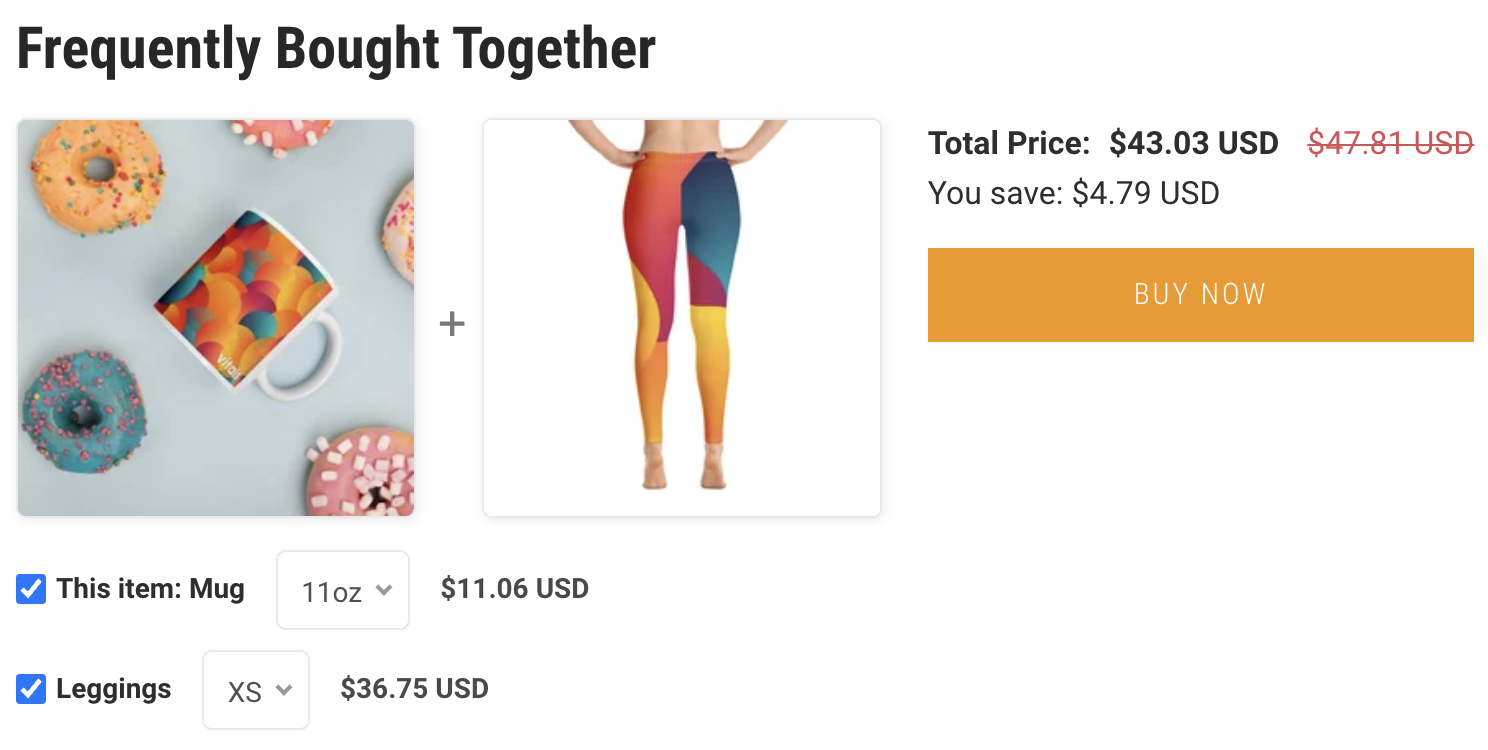
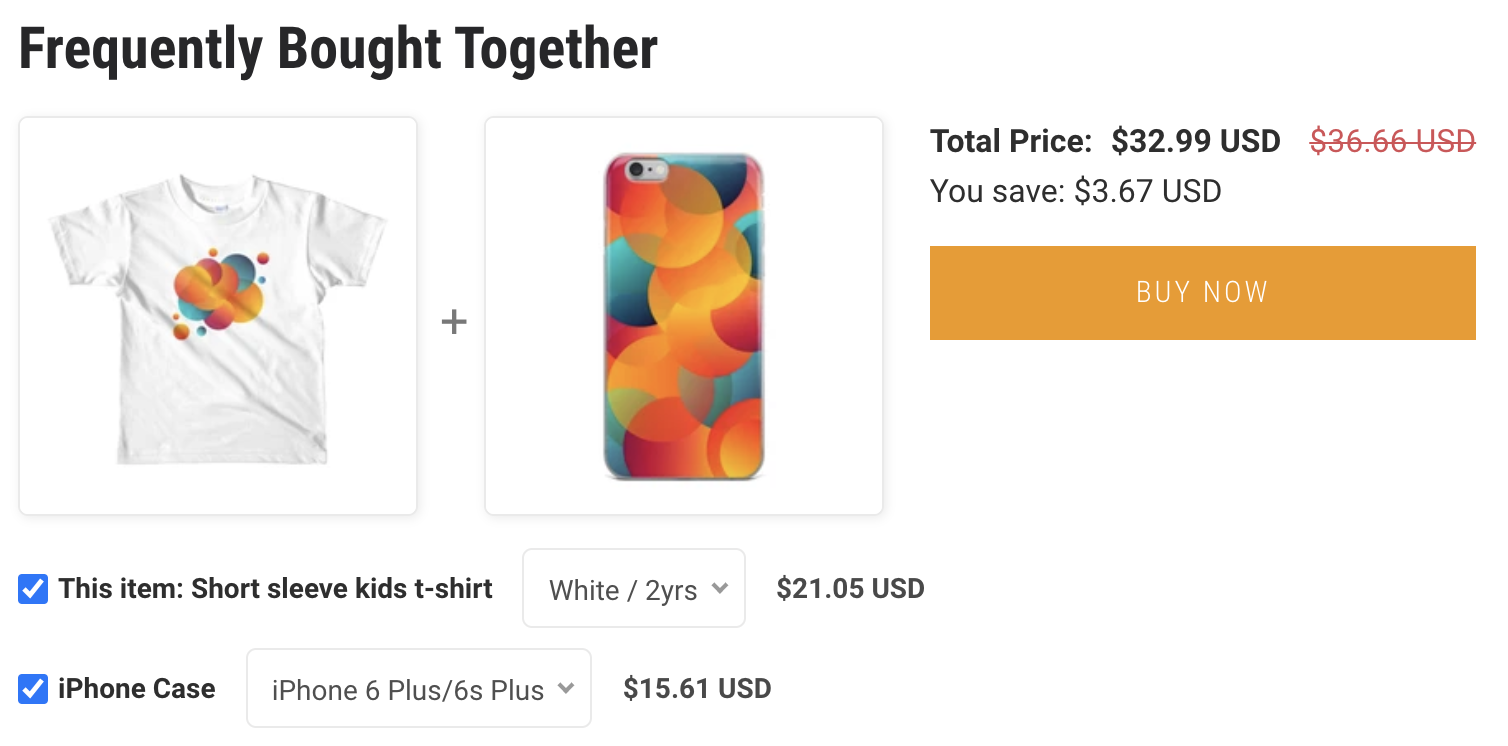
When they're added to the cart, both bundles apply, and each gets its own discount at checkout.
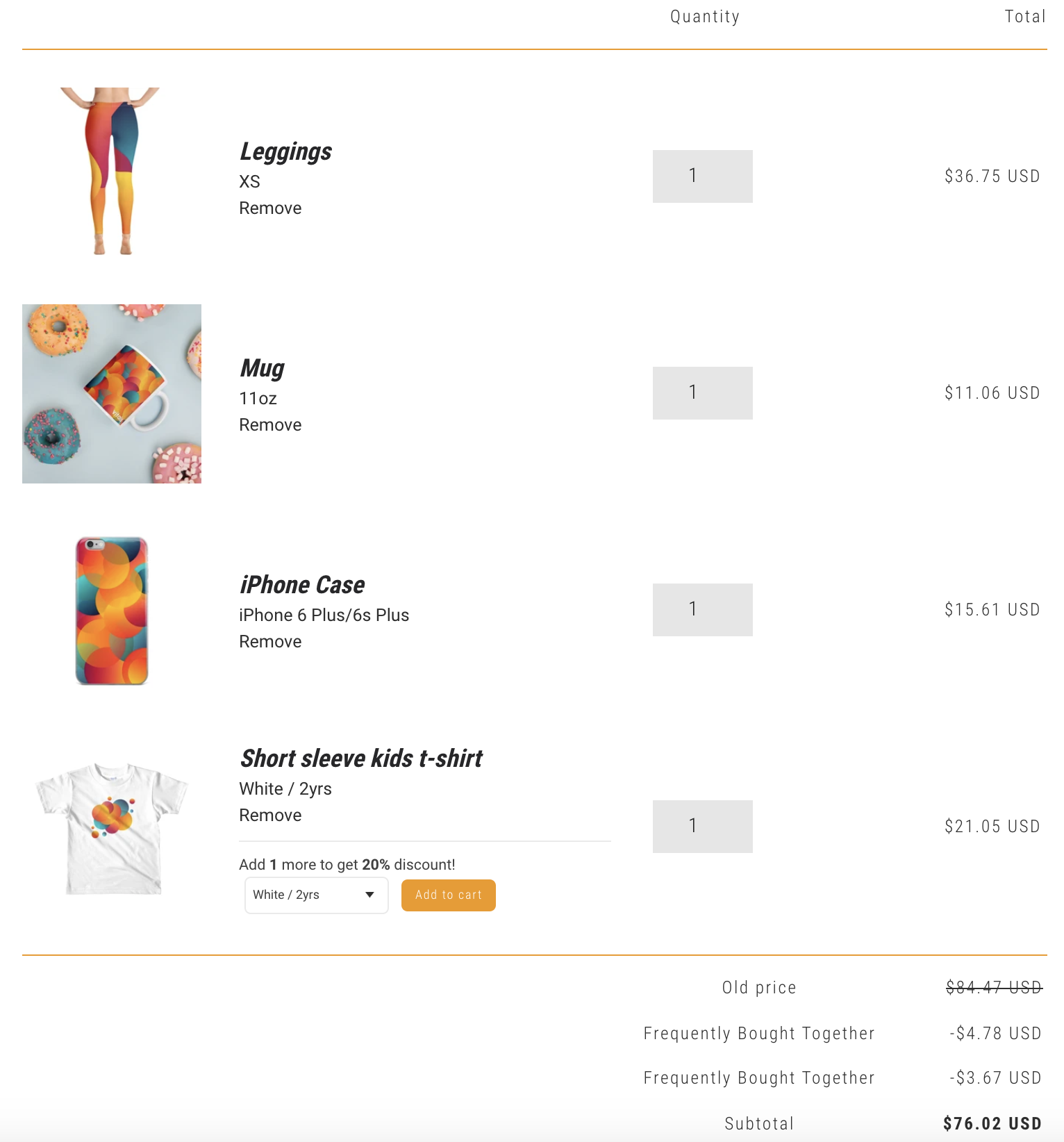
Scenario 2: When multiple discounts apply to a product.
Just like you, we've built Vitals to be customer-centric. When a product qualifies for more than one bundle or volume discount, only one discount applies to that product: the higher one.
Take, for example, this bundle.
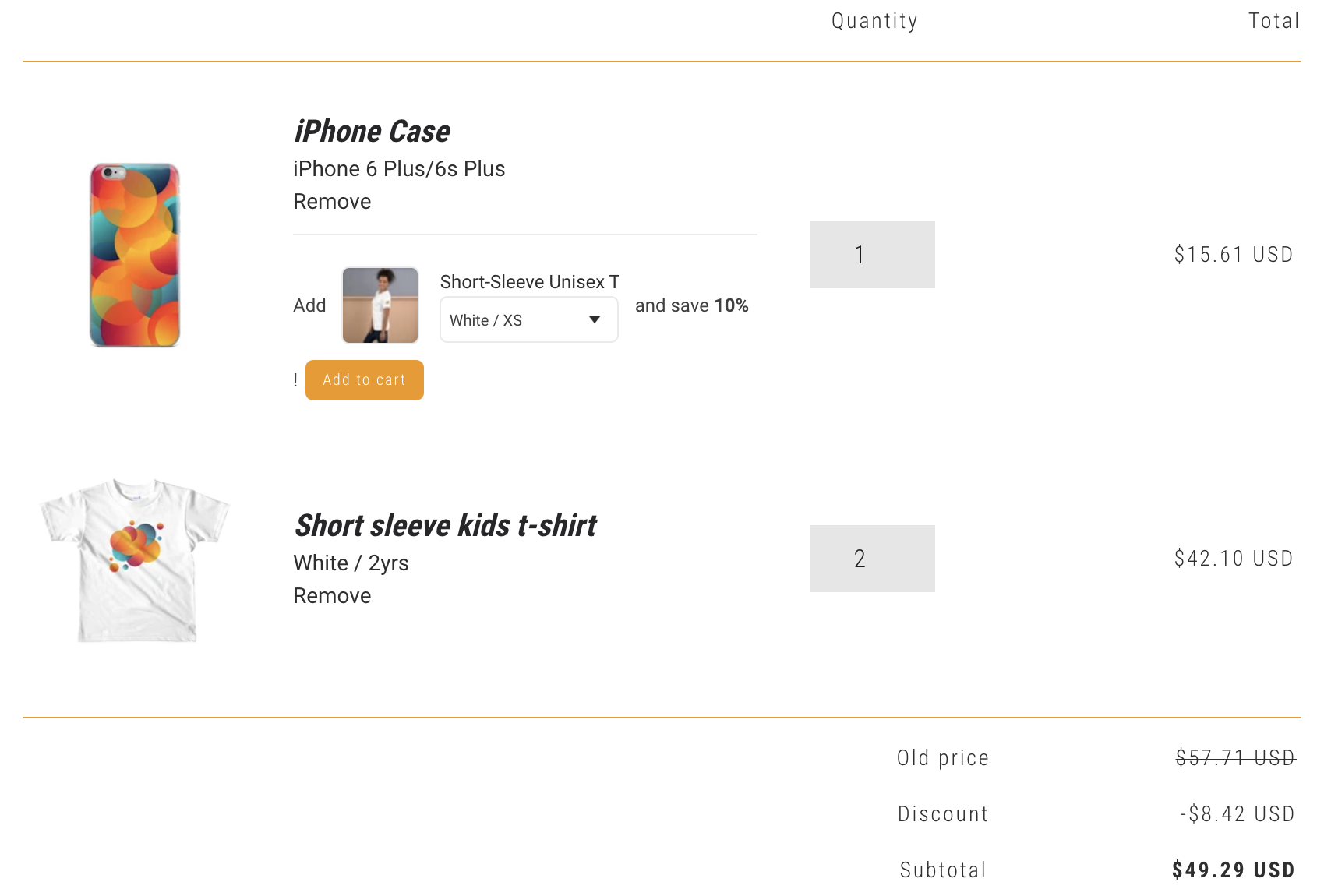
When it's added to the cart, the $3.67 discount will be shown there.
However, when the quantity is increased for the t-shirt, the discount jumps to $8.42, as the t-shirt is eligible for a volume discount of 20% for 2+ items purchased.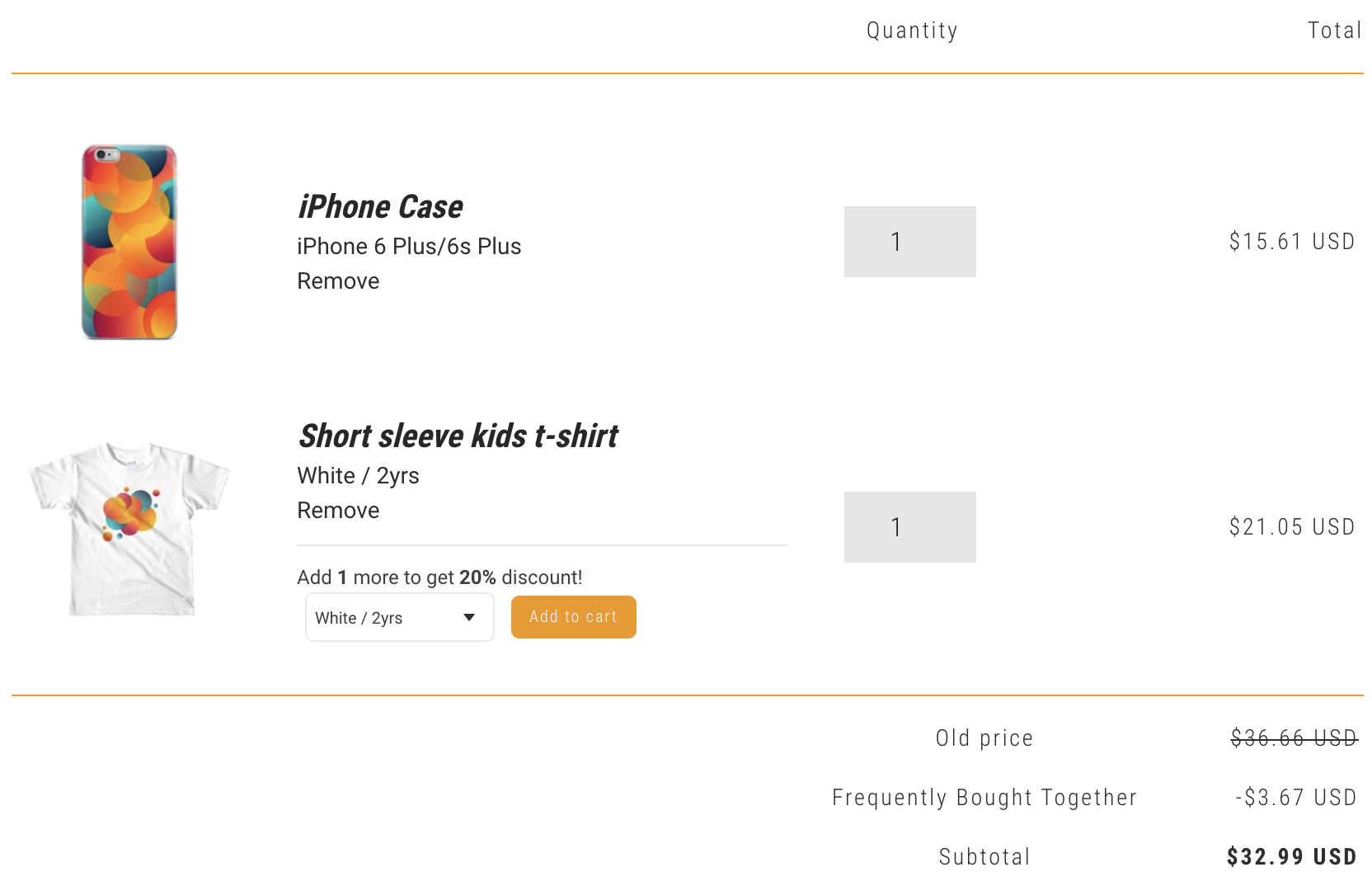
Combining a Vitals free gift with a Shopify discount
A Shopify automatic product discount, such as a collection discount, can combine with a Vitals free-gift offer. In the gift offer's Discount combinations section, keep Product discounts (on cart items) ticked. It is on by default and applies to all your Upsell Builder offers. In the Shopify discount's Combinations settings, tick Product discounts.
The gift widget's spending goal counts eligible products after product discounts are taken off. Checkout evaluates the gift discount using the products' full price before other discounts. A gift added manually, rather than by the offer, stays at full price.
If you don't want an order to get both, untick Product discounts in the Shopify discount's Combinations instead. Shopify then applies only the one that saves the shopper more.