
Animated Add to Cart on Shopify with Vitals: features, pricing and setup
Last updated on November 5, 2026
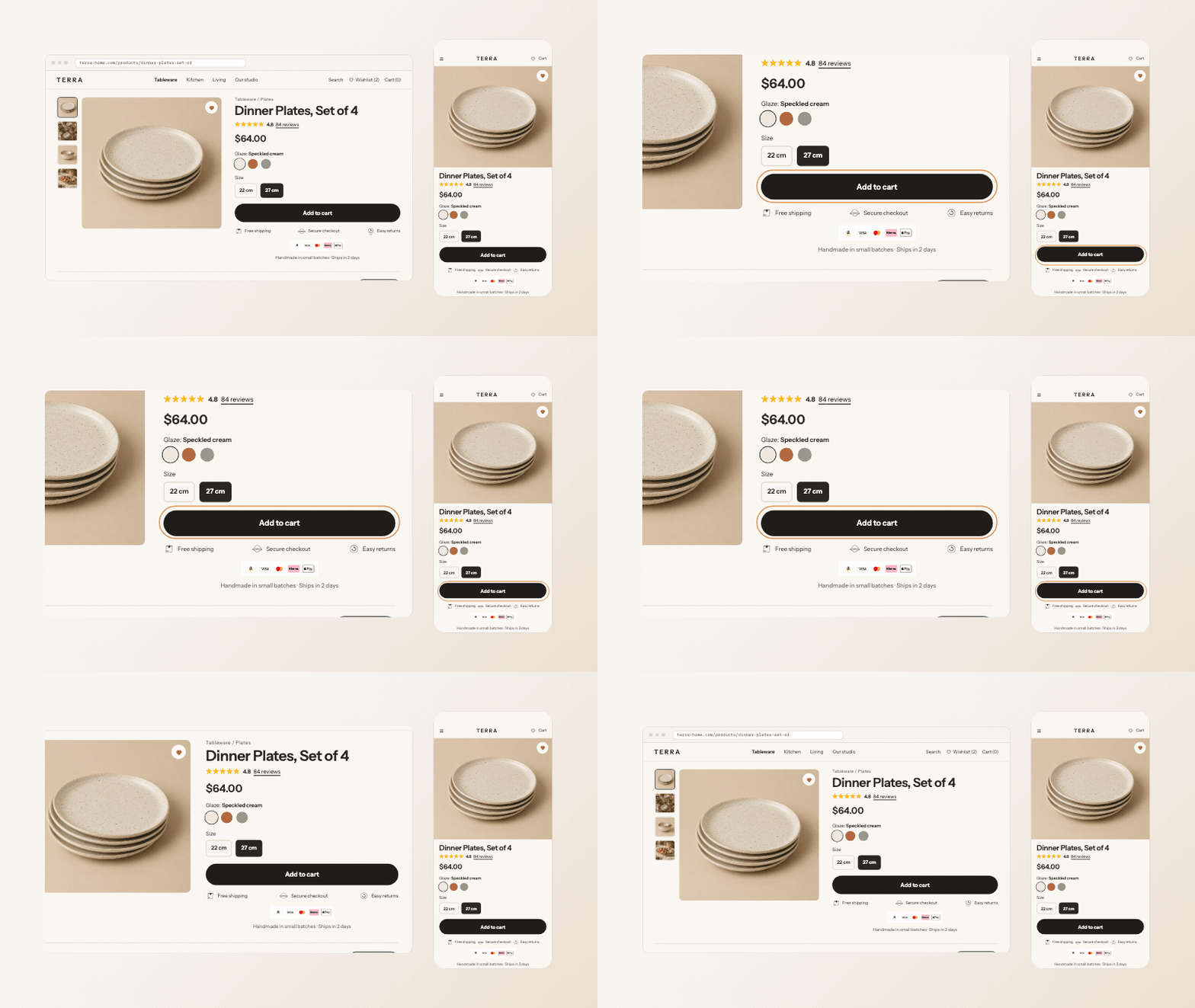
Yes, Vitals animates the Add to Cart button on Shopify product pages. The Vitals app (Vitals: Reviews, Bundles & 40+ on the Shopify App Store) includes Animated Add to Cart, which plays a short animation on your theme's Add to Cart button when a shopper hovers over it, every few seconds, or both. It comes in the same plan as product reviews, bundles and 40+ other apps.
Animated Add to Cart at a glance
| Question | Answer |
|---|---|
| Animation styles | 13: Float up, Bounce (default), Zoom in, Flash, Shake, Pulse, Jello Shake, Wobble, Vibrate, Swing, Tada, Float down and Scale down |
| Trigger | On hover (default), Every few seconds, or On hover and every few seconds, with a delay between timed plays (10 seconds by default) |
| Mobile | Hover animations only play on desktop. Choose a trigger with every few seconds to animate the button on phones. |
| Targeting | Advanced display rules: price, discount and inventory ranges, or specific or excluded products |
| Sticky Add to Cart | The Vitals Sticky Add to Cart bar can use the same animation through its Apply Animated Add to Cart style setting |
| Limits | The app animates the button your theme shows. It has no colour, text or shape settings: those come from your theme. It does not animate the button while the selected variant is sold out. |
| Pricing | Included in the Vitals All-in-One plan, $29.99/month, with a 7-day free trial. See the Shopify App Store listing for current pricing. |
The Animated Add to Cart app helps your Add To Cart button to stand out by adding a subtle animation. You can customize the animation and its trigger (either on mouseover or every few seconds).
This app is integrated with the Product Bundles and Sticky Add To Cart apps. To apply the animation to the Sticky Add To Cart button, enable Apply Animated Add to Cart style in Sticky Add to Cart → Settings → General settings. This option is off by default.
The animation always applies to your theme's regular product-page Add To Cart button. There is no setting to animate only the Sticky Add To Cart button. If you need that, contact our support team.
Frequently Asked Questions
Does Vitals have an animated Add to Cart button for Shopify?
Yes. Animated Add to Cart is part of the Vitals app. Turn it on in Vitals > Apps > Animated Add to Cart with Activate app, then pick an Animation style and a Trigger animation option.
Why doesn't the animation play on my phone?
The default trigger, On hover, needs a mouse. Switch Trigger animation to Every few seconds or On hover and every few seconds.
Can I change the Add to Cart button's colour in Vitals?
No. Animated Add to Cart only animates the button. Its colours, hover colour and shape come from your theme settings.
Still stuck?
Chat with our support team, we'll sort it out with you.