Scroll to Top Button on Shopify with Vitals: features, pricing and setup
Last updated on October 20, 2026

Yes, Vitals adds a scroll to top button (back to top button) to Shopify stores. The Vitals app (Vitals: Reviews, Bundles & 40+ on the Shopify App Store) includes Scroll to Top Button, a floating button that takes shoppers back to the top of long pages, where the product photos and purchase options are. It comes in the same plan as product reviews, bundles and 40+ other apps.
Scroll to Top Button at a glance
| Question | Answer |
|---|---|
| What it does | Shows a floating button that scrolls the page back to the top, with an optional fill animation that follows how far the shopper has scrolled |
| Where it shows | Storefront pages with more than 500 px to scroll. The button appears once the shopper scrolls past 500 px. |
| Desktop and mobile | Show on desktop (on by default) and Show on mobile (off by default) are separate settings |
| Options | 16 button styles, Button color, Fill animation, Alignment (Left, Center, Right) and Size (Small, Medium, Large). Alignment and size are set separately for desktop and mobile. |
| Limits | No page targeting, and no setting for how far the shopper scrolls before the button appears |
| Pricing | Included in the Vitals All-in-One plan, $29.99/month, with a 7-day free trial. See the Shopify App Store listing for current pricing. |
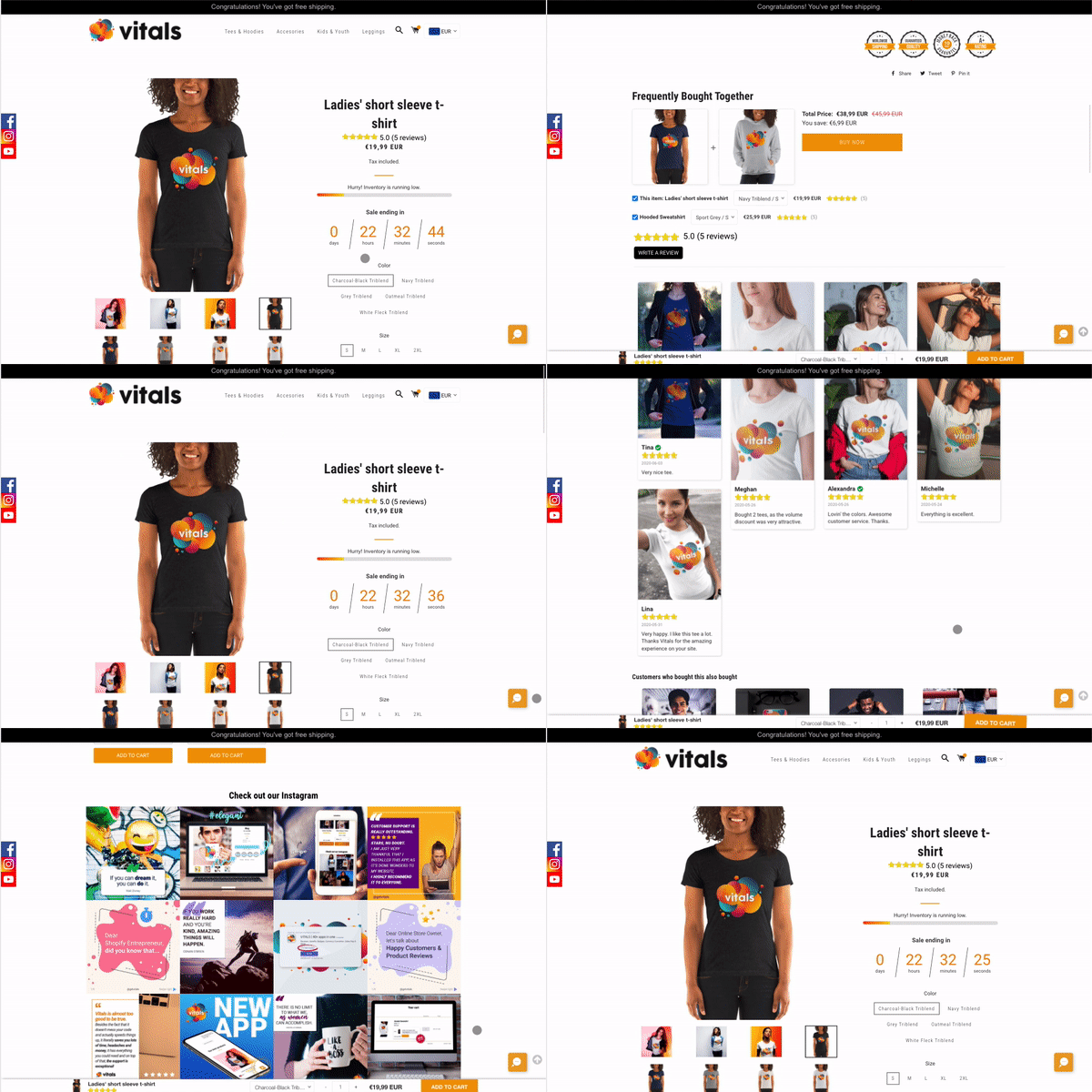
Using Vitals, you can easily add a scroll to top button, helping your customers get back quickly to the top of the page, where they can see the product photos and purchase options. You can customize the shape and the color of the scroll to top button.
Frequently Asked Questions
Does Vitals have a scroll to top button for Shopify?
Yes. Scroll to Top Button is part of the Vitals app. Turn it on in Vitals > Apps > Scroll to Top Button with Activate app, then pick a style and colour.
Why doesn't the scroll to top button show on my phone?
Show on mobile is off by default. Tick it in the app's Settings card. The admin preview shows the button on mobile even when this box is unticked, so check on a real phone.
Can I move the button to the left side of the page?
Yes. Use Alignment on desktop and Alignment on mobile (Left, Center or Right, both Right by default). Set each one, because changing desktop does not move the button on phones.