Importing Product Reviews from Amazon
Last updated on October 21, 2026
You can import reviews from Amazon using a CSV file.
Vitals does not connect directly to Amazon. Instead, you’ll export reviews using a Chrome extension and upload them into Vitals.
Step 1: Export reviews from Amazon
- Install the Chrome extension: Amazon Reviews Extractor
- Open the Amazon product page you want to import reviews from
- Use the extension to extract reviews
- Export the file as a CSV
Step 2: Upload reviews to Vitals
Go to Product Reviews → Import
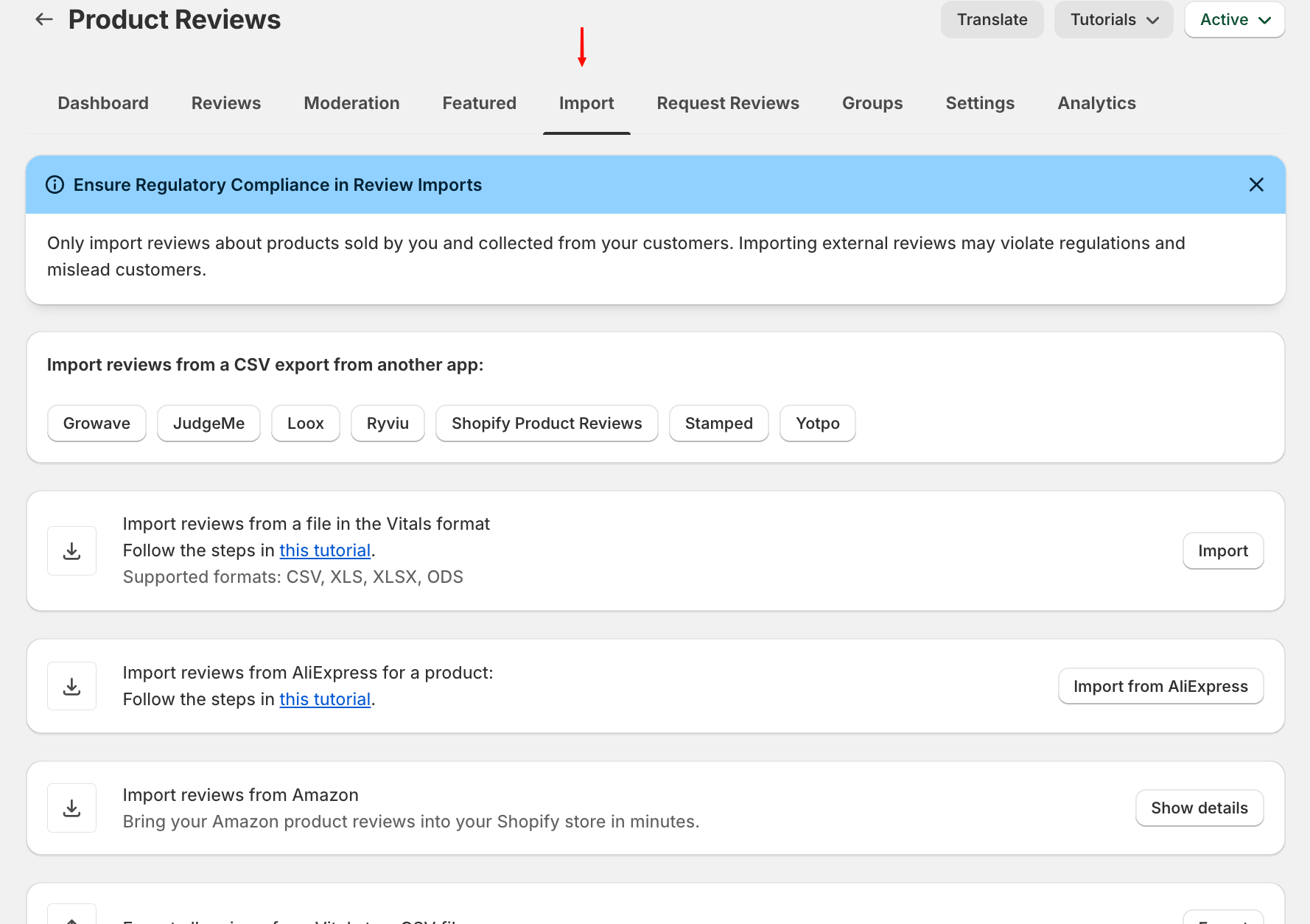
In From marketplaces, click Import from Amazon next to Amazon:
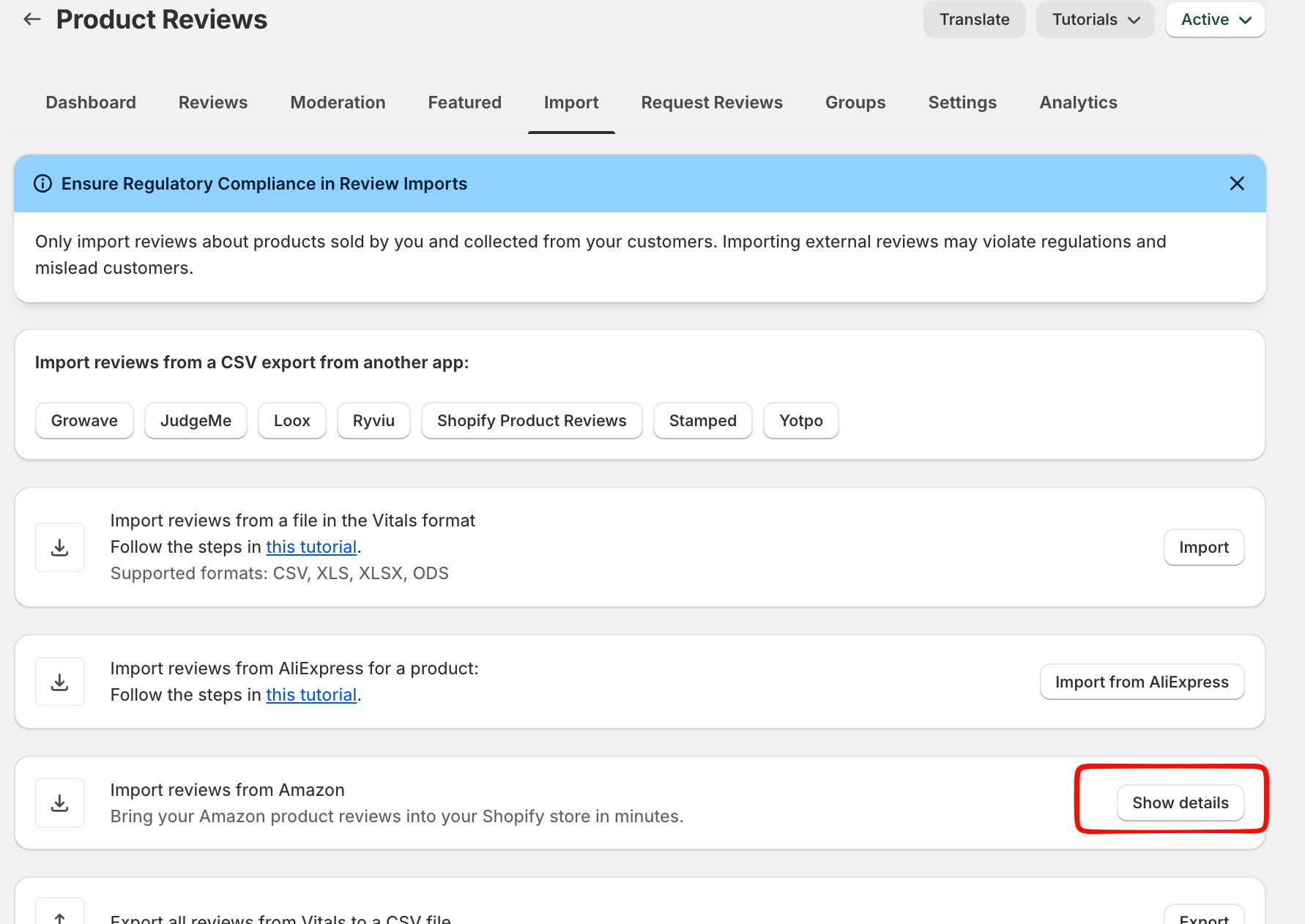
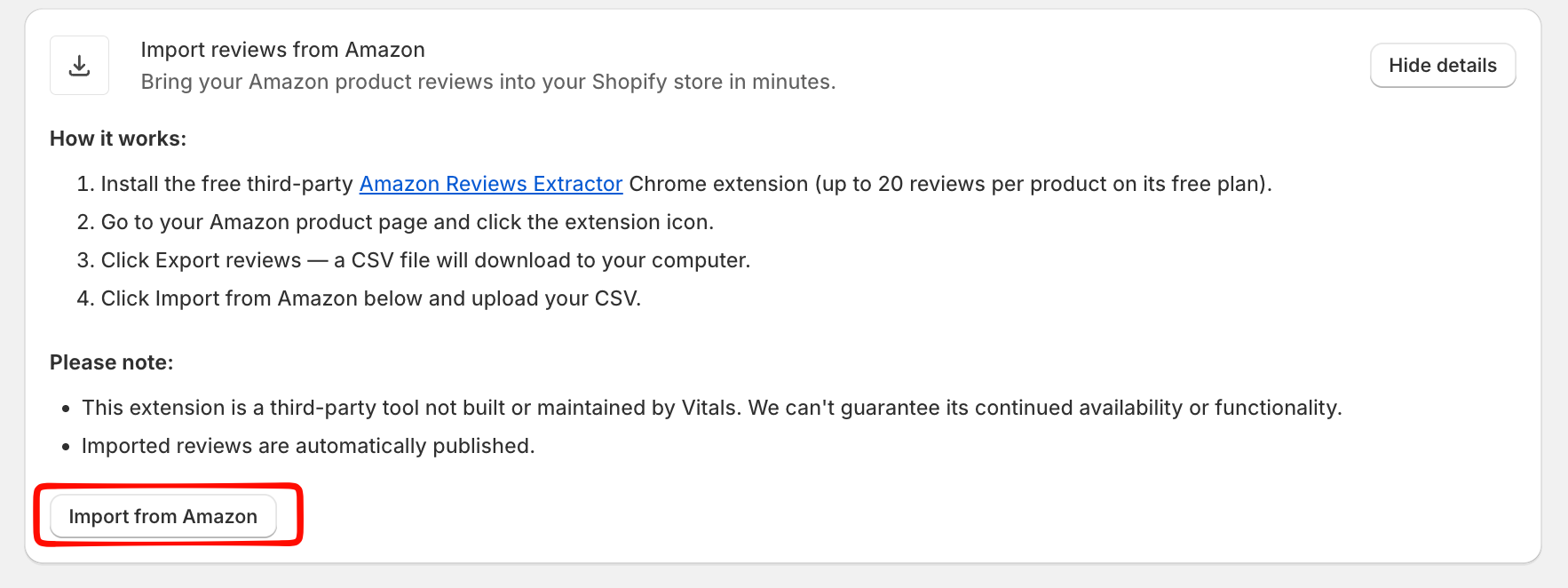
- Select the product where you would like the Amazon reviews to be mapped to.
- Upload your CSV file
Once completed and the file is correct, the reviews will appear in the product.
Good to know
- Imported Amazon reviews are published right away.
- The Chrome extension is a third-party tool; its free plan exports up to 20 reviews per product.
- Only import reviews of products you sell, and note that Amazon reviews don't count toward the Google Shopping review feed.