
How to Use the AI Background Remover in Vitals
Last updated on November 4, 2026

The AI Background Remover instantly removes backgrounds from product images with AI-powered precision. This tool helps you create high-quality transparent images in seconds—ideal for e-commerce, marketing, and creative projects.
Where to Find AI Background Remover
You can access the AI Background Remover feature by accessing it inside the AI Marketing Studio in the left sidebar of your Vitals dashboard.
You can start using the AI Background Remover by clicking the "Remove Background" button:
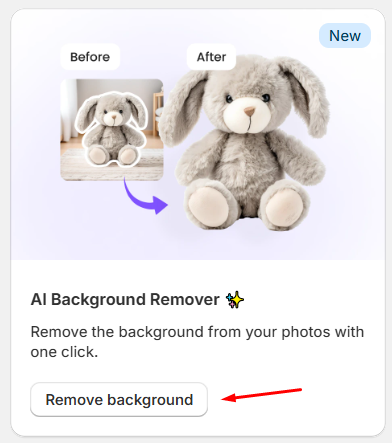
💡 Every store gets 5 free background removals every 30 days. After that, each removal costs $0.10 USD, billed as a usage charge on your Shopify bill.
How to Remove Backgrounds from Product Images
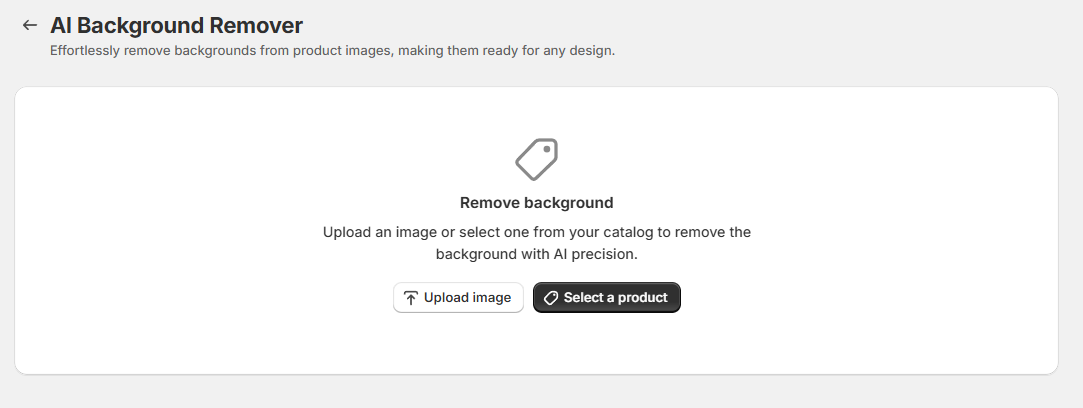
Step 1: Upload or Select a Product Image
- Upload a new product image or select an existing one from your catalog.
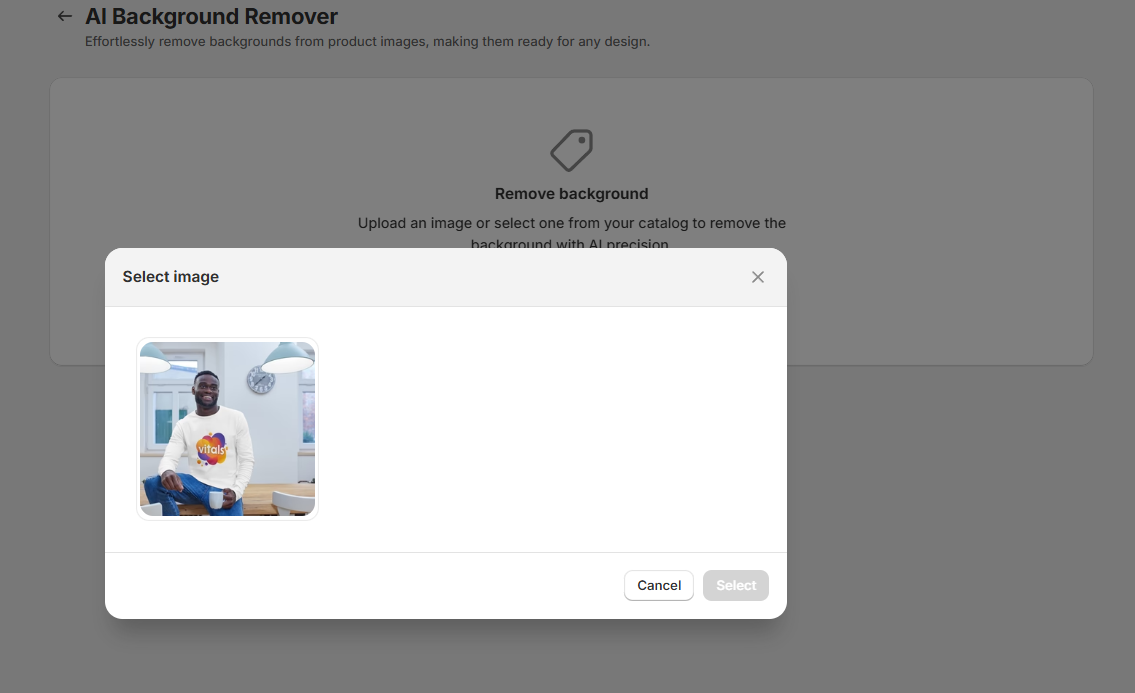
- If the product has multiple images, choose the one you want to edit.
Inside Shopify admin, Select a product opens Shopify's product picker, which lists only published products. Select a product to choose its image, or cancel to close the step. Outside Shopify admin, the Vitals product picker remains available.
Step 2: Process and Download
- The AI will automatically remove the background.
- Review the updated image.
- Click Download to save the transparent image.
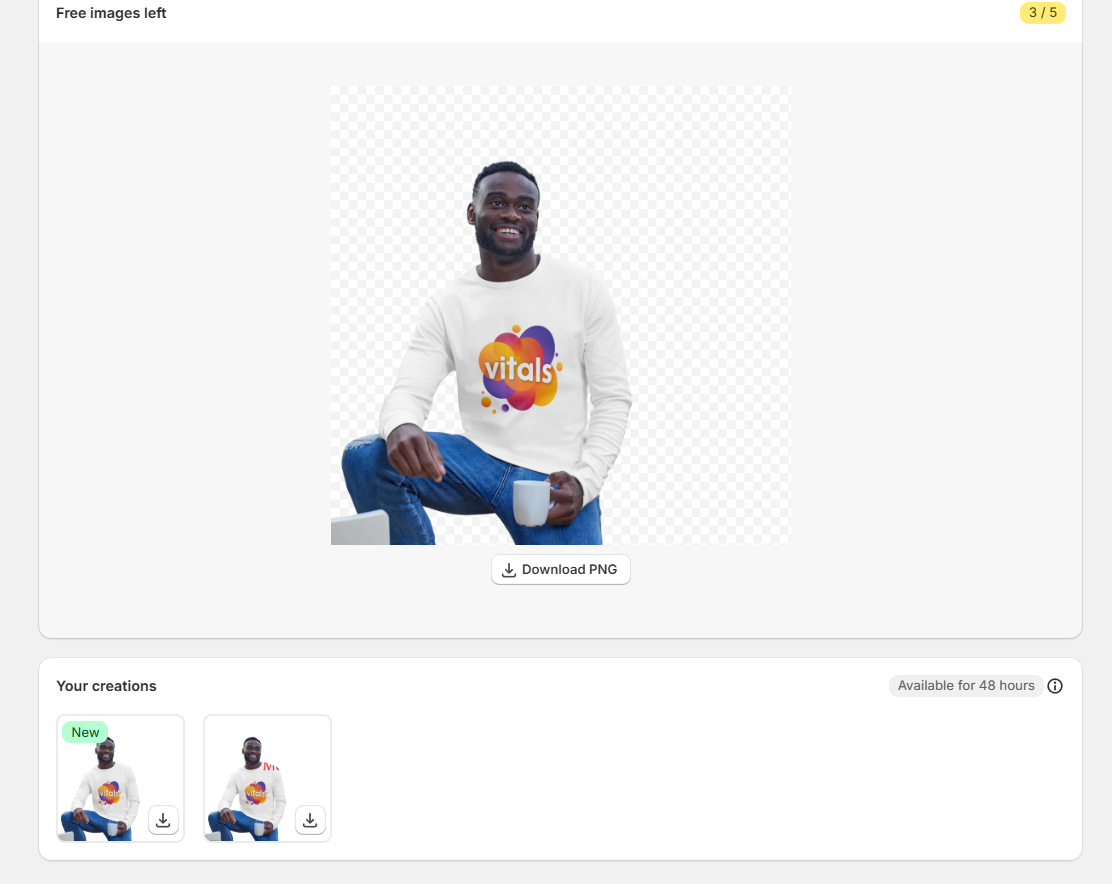
Now you have a clean, professional-looking product image ready for your store, ads, or marketing materials!
⚠️ Important: Resulting images are stored in the app for only 48 hours. Be sure to download them before they expire.
Get Started Today!
Enhance your product images effortlessly with the AI Background Remover. Try it now and make your store visuals stand out!
Still stuck?
Chat with our support team, we'll sort it out with you.