Connect the Product Reviews with Omnisend
Last updated on October 22, 2026
The Vitals Product Reviews app integrates with Omnisend.
You can now connect your Omnisend account. Once connected successfully, any reviews submitted by customers using our Product Reviews app will be passed to your Omnisend account.
How to connect your Omnisend account
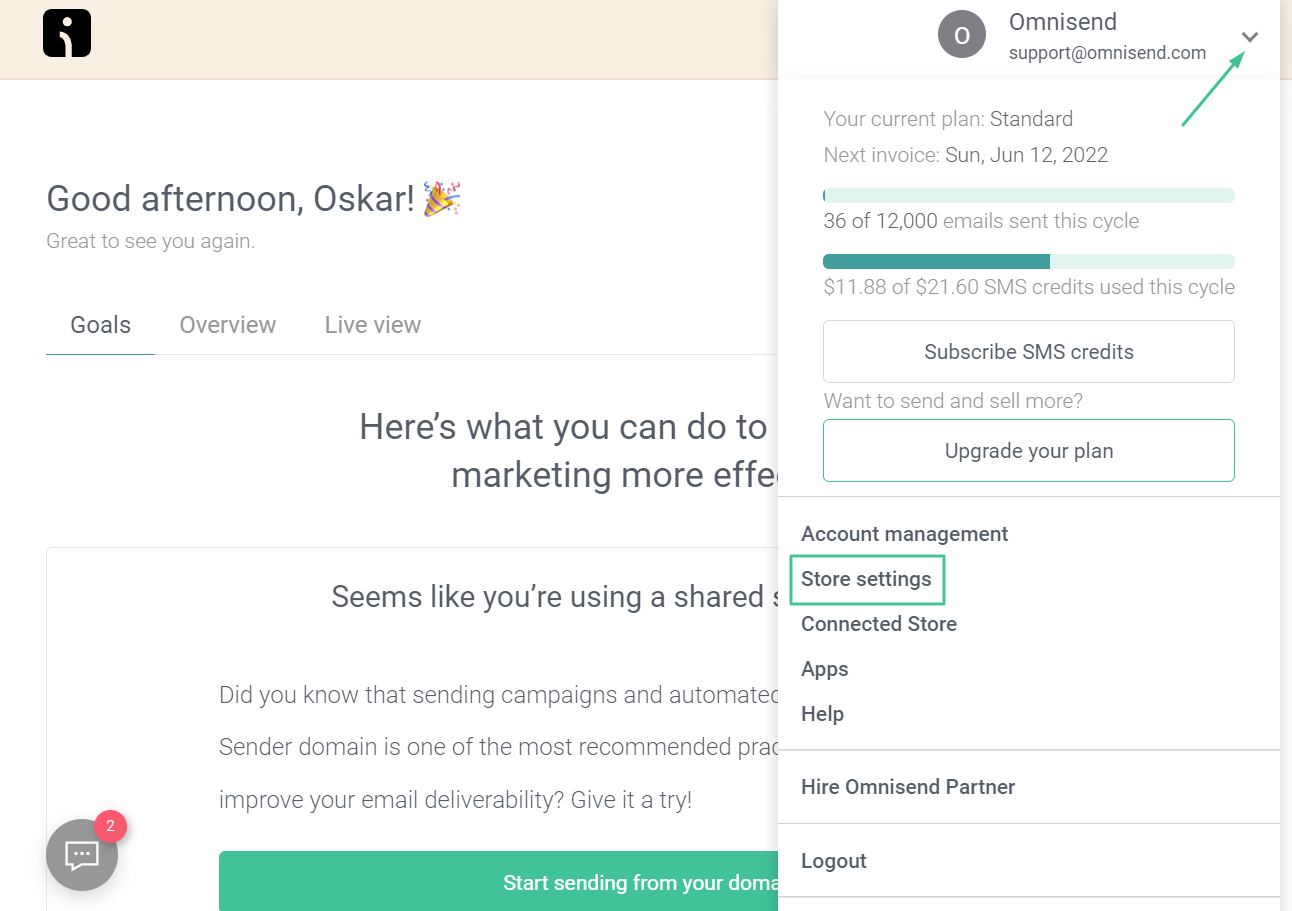
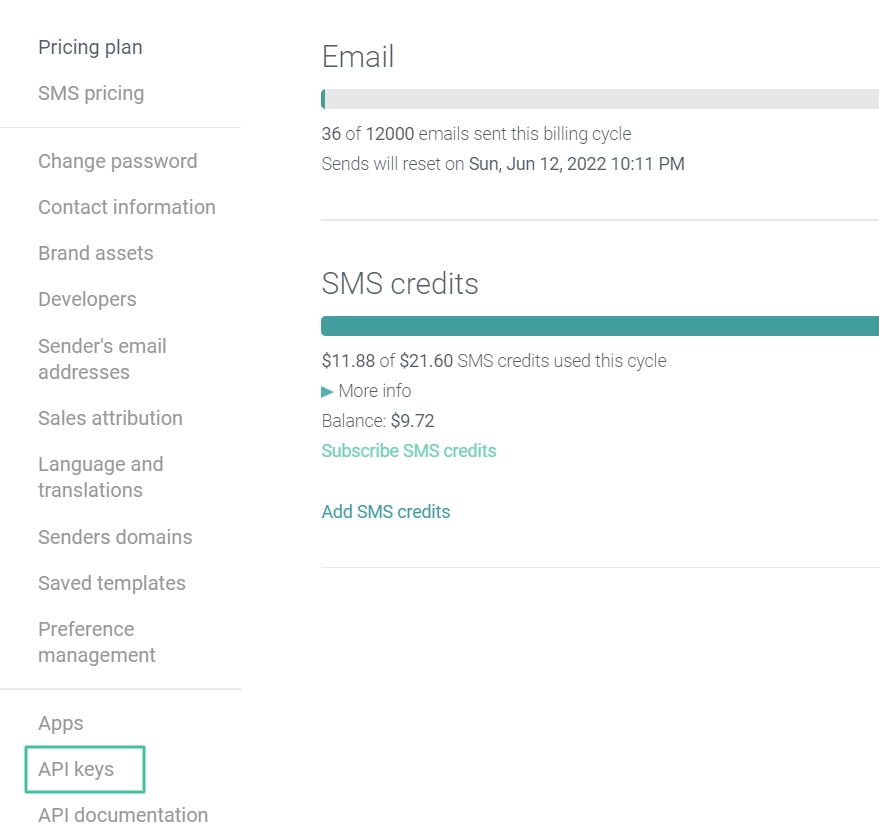
Firstly, create an API key from your Omnisend Dashboard. To do this, click on your brand name in the top right corner -> Store settings:
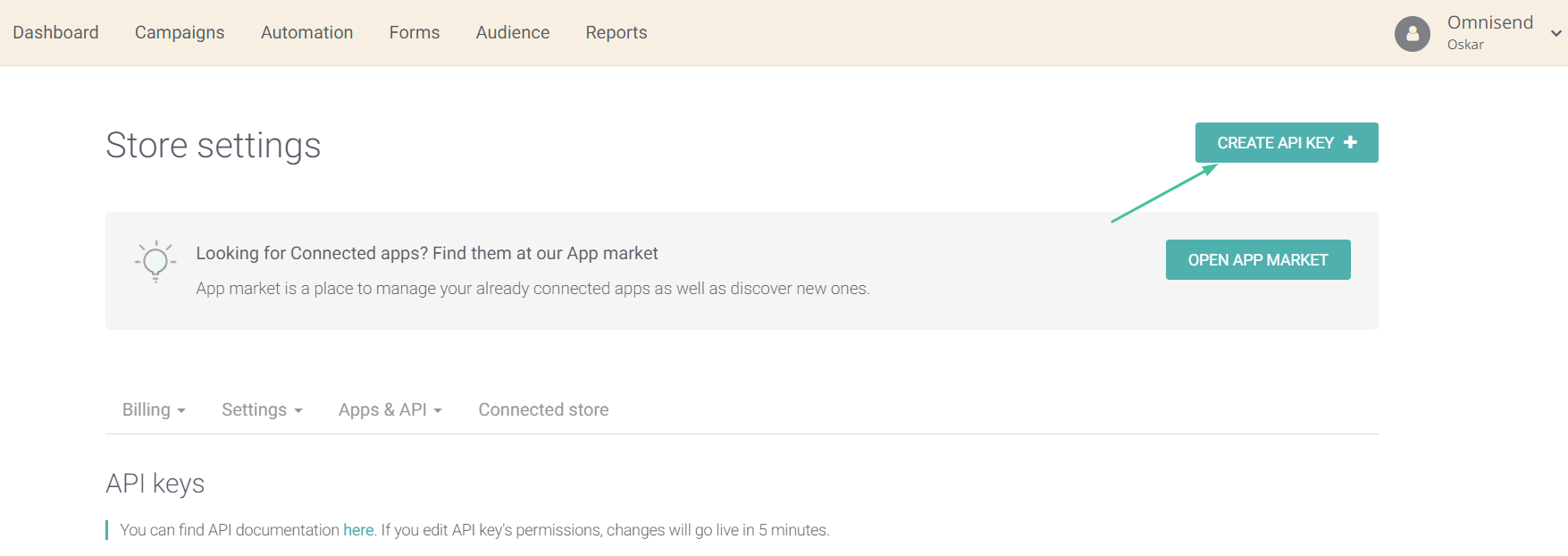
Enter the name of your API key, keep default settings and click ' Save':
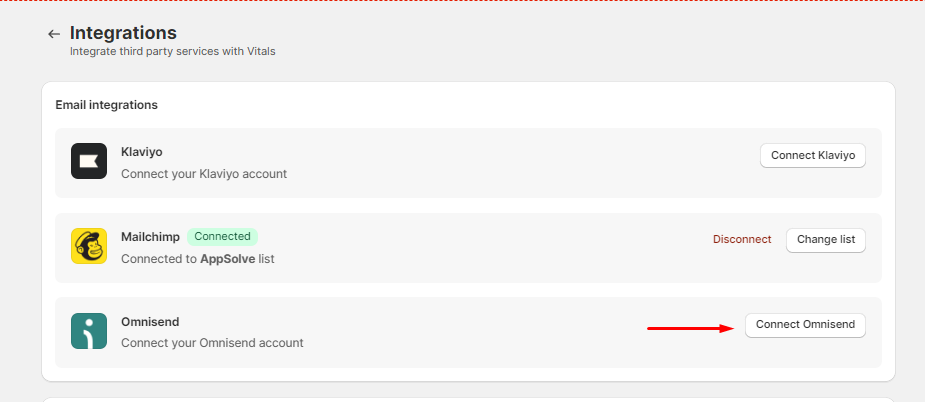
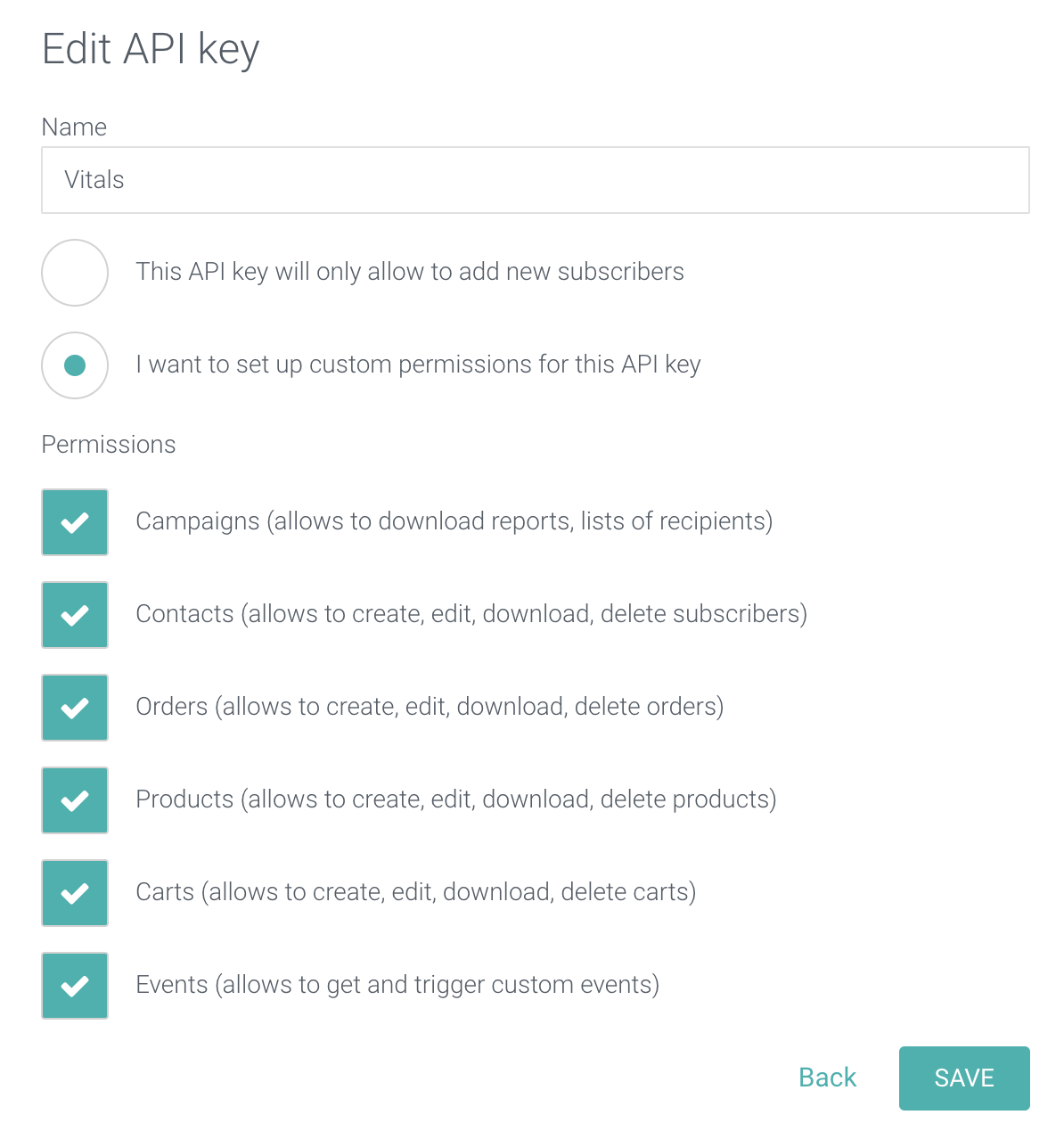 Once you have the API key, open your Vitals app and go to Integrations in the left menu -> Email integrations -> Omnisend -> Connect Omnisend. Paste the key into Enter API Key, then click Connect.
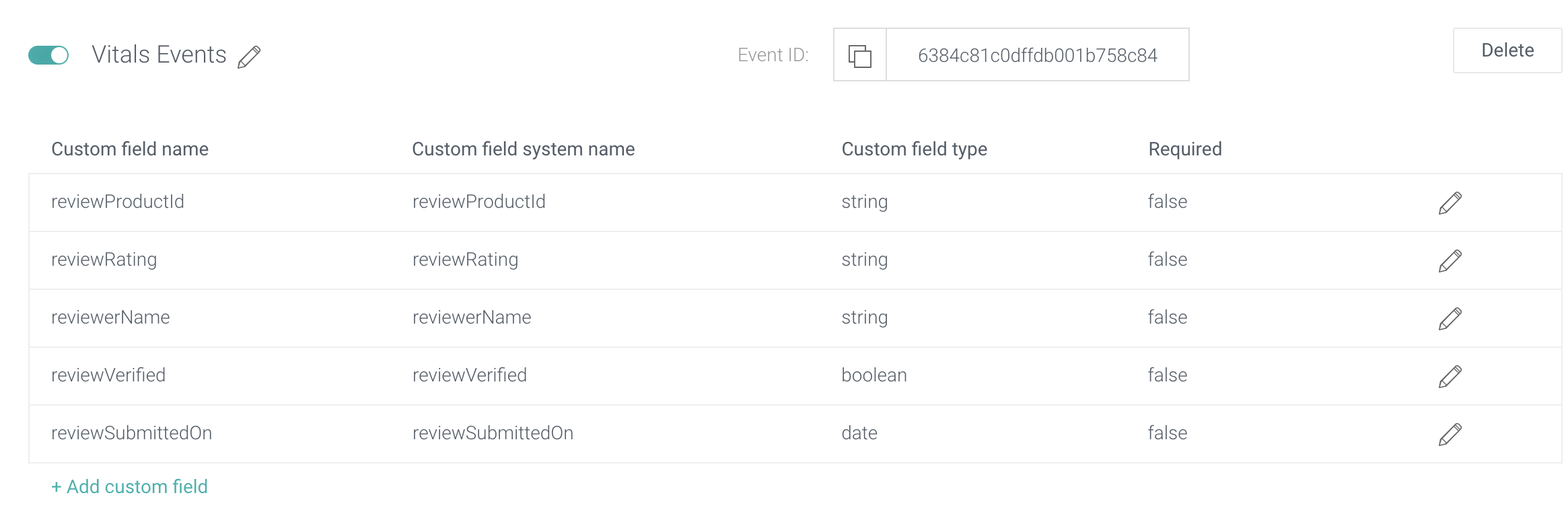
What Data is Passed
Setting up a Workflow for Product Reviews
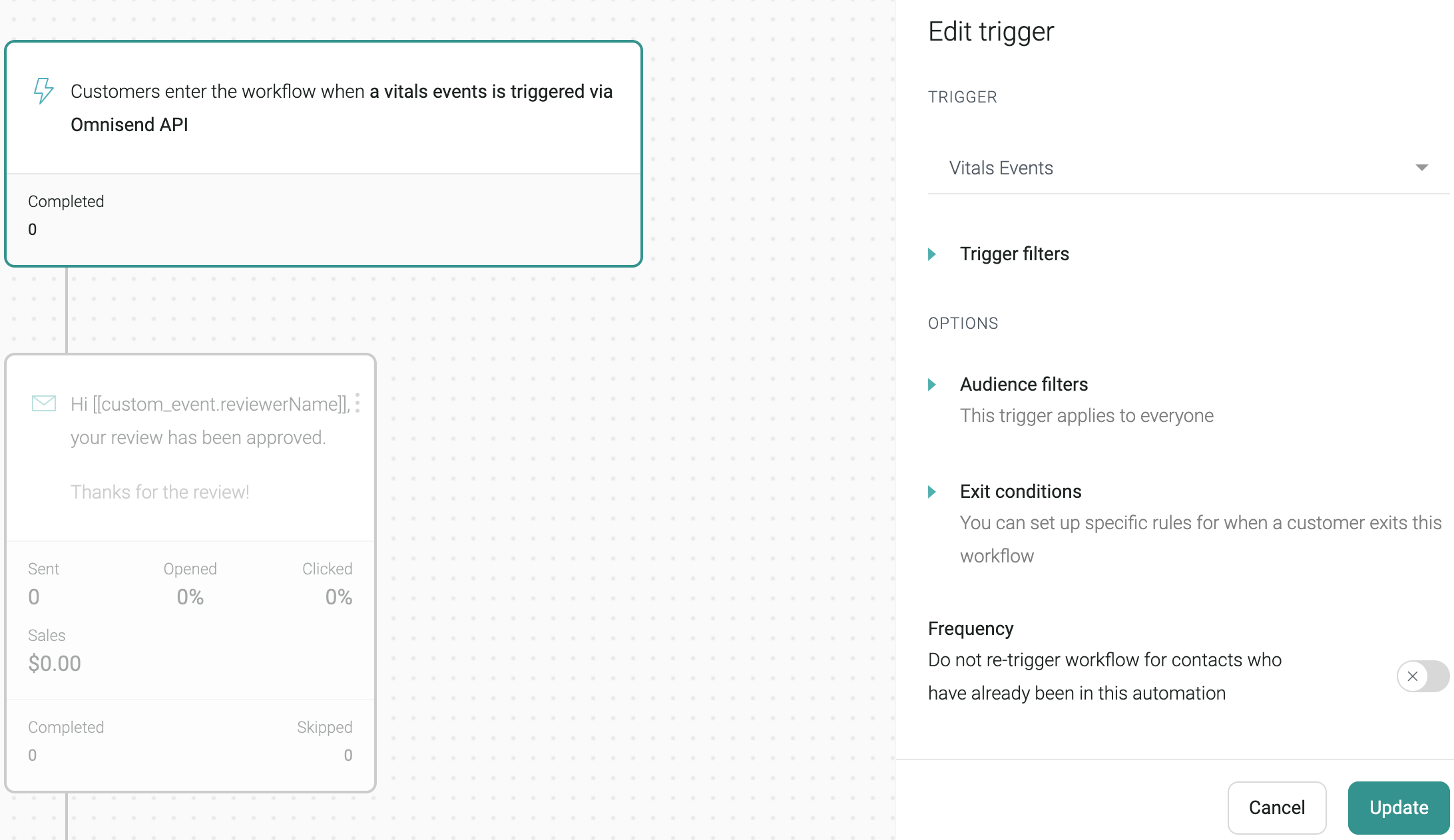
You can split based on review rating and send different emails to customers who have submitted bad/good reviews:
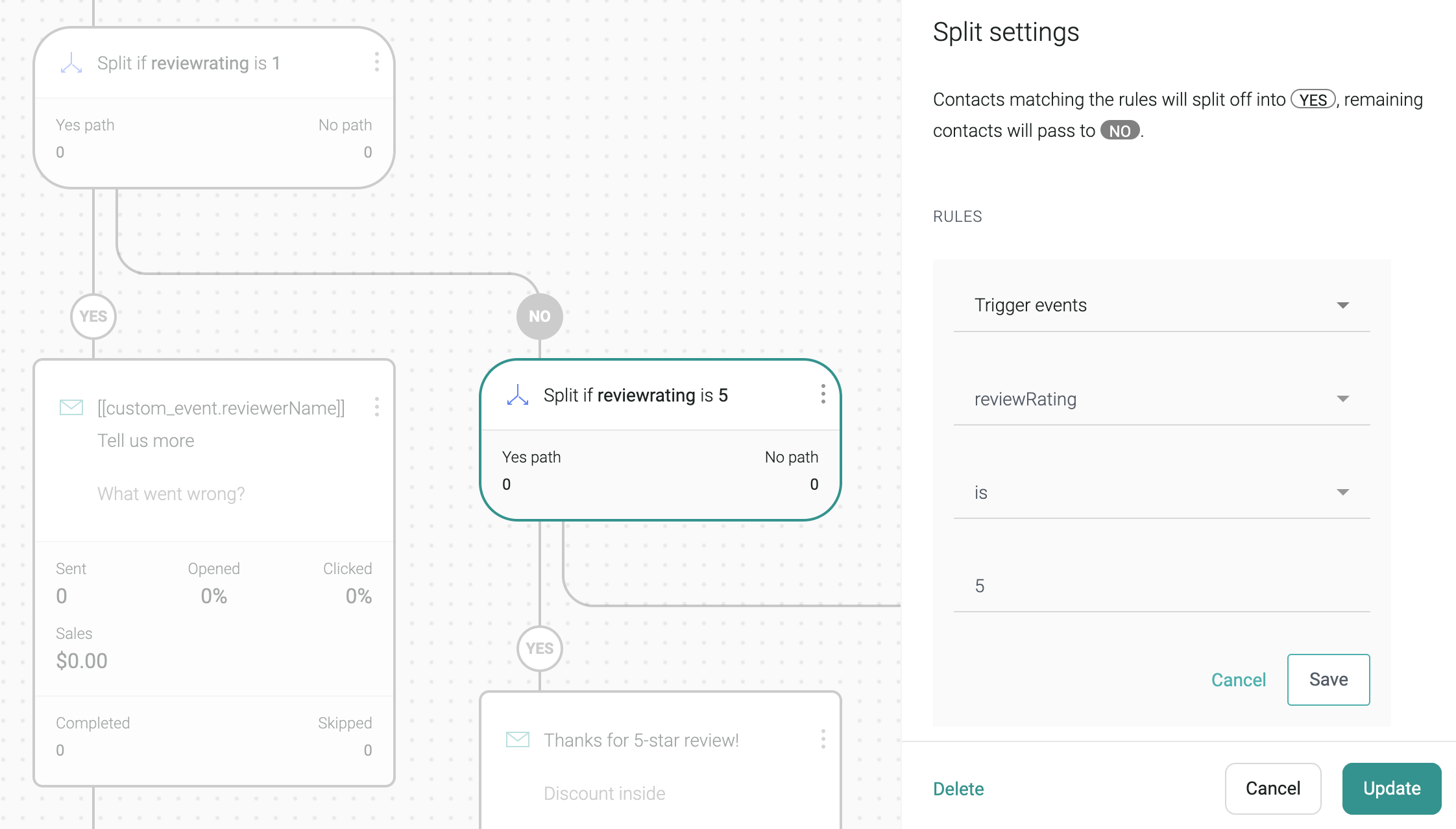
Also, you can send different emails to customers whose reviews were verified using splits as well.
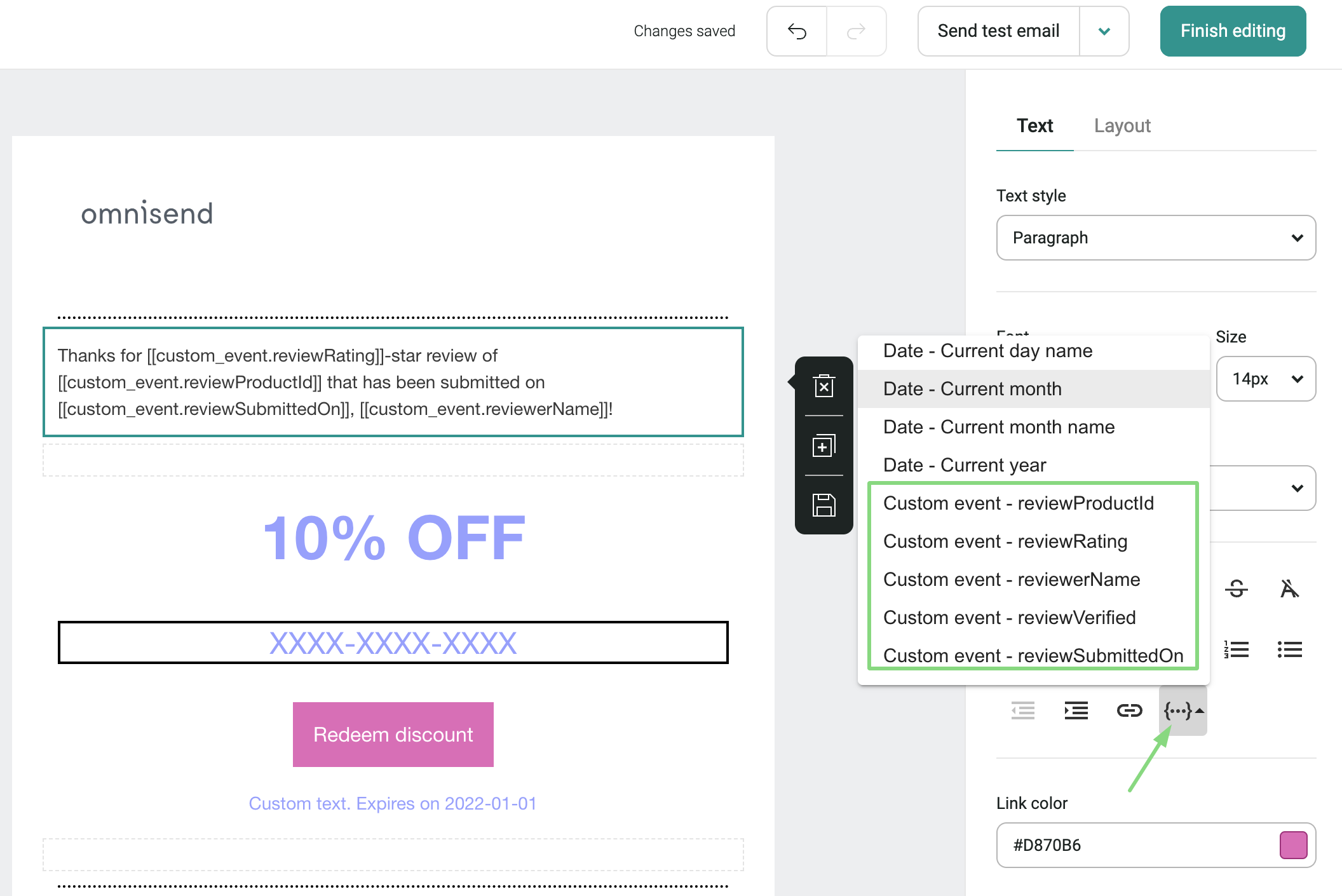
In the email content itself, you can include any data that has been passed along with the custom event (name, productID, rating, submitted on date):